The task for this workshop was to recreate album covers and update one of them using digitally precise ‘pixel perfect’ conventions.In my opinion, this was the most difficult of the InDesign documents. I had trouble finding the preference options for the page so I fell drastically behind. After I had overcome this, I setup the interactive PDF document with the following settings; 360px square, margins (top/bottom 8 pixels, left/right 16 pixels), preferences: document grid, grid line every 48px with 6 subdivisions per row/ column. After I had done this, I added the settings for the baseline grid. The measurements are as followed: body text=10pt, baseline= every 6pt. 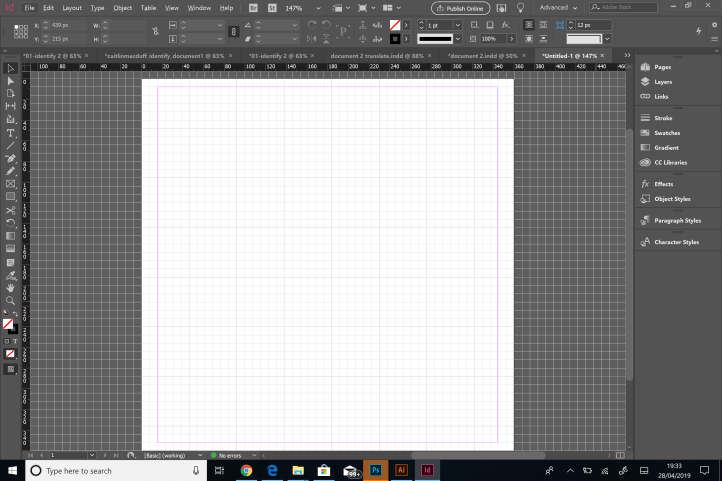
In addition to this, the baseline number should relate to the leading size. (Either exactly the same or a factor of the leading size. I had to ensure that everything in the document was pixel perfect, meaning the shapes were whole numbers. In addition to this, I used the eyedropper tool to get exact colour matches when placing the shapes. This was quite easy as it was just about repeating what I had learned. Lastly, I added text, which I used the font ariel. There was a lot of experimentation to find the correct leading and kerning so that the text matched up to the original. 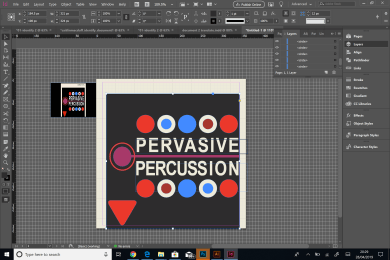
For the second part of the session, I learned how to create interactive documents. This means adding interactive platforms, such as video and sound into InDesign. I firstly opened the image ‘count basie and his wife’ and added placeholder text into a text box. I played around with the leading and kerning to achieve the desired effect. I also manipulated the columns. I aligned this text to the baseline grid. I did this on the paragraph styles menu. Then, I added sound. I placed the file of come fly with me cut into my document and clicked on SWF preview, then media and ‘show on load page’. This played the media when I wanted it to.
After this, I also repeated the process for the animation. I added a club from Swing of Change.
 Caitlin's Design Blog