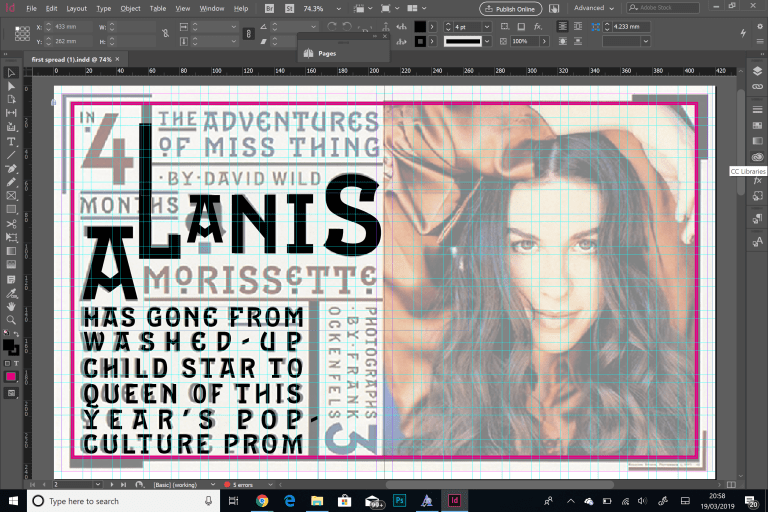
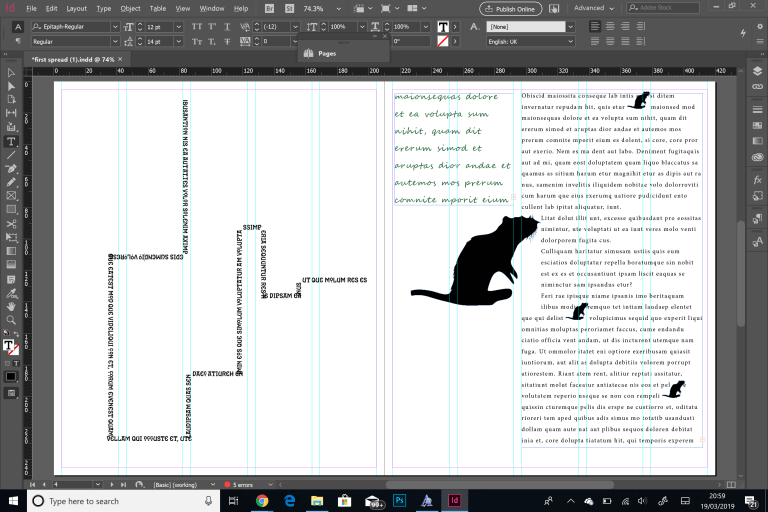
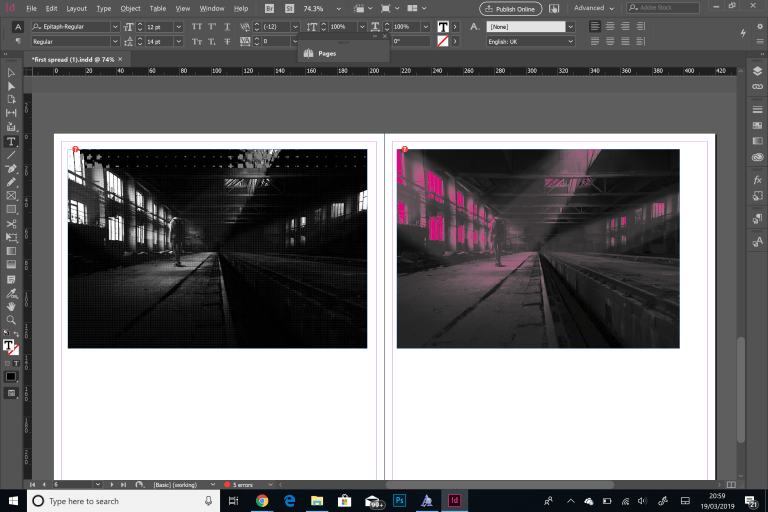
The aim of this workshop was to recreate a spread of images using InDesign. I firstly had to set up my document following certain guidelines such as, 210mm width, 250mm height, 5mm margins, 12 rows/columns and a 5mm gutter. I then opened up the first of my reference images into the background. After this, I started to recreate the poster by adding type. In the attachments that I downloaded, there was a font called Epitaph regular, which is very similar to the typeface in my reference image, I then began to place and resize the text to match the background image. I played around with the size, leading, kerning and baseline of the text, and sometimes I had to just manipulate just certain characters. After this response, we moved on to the rat city. Following the same document plan, I opened up the reference image into the background. I firstly created a text box and filled it with the placeholder text and increased the leading to 22pts to space the text out. on an A4 document, the body text should be no more than 12pts. I added a simple grid by clicking create guides, following the digits 3 rows, 4 columns and a 5mm gutter. As the column of text was too wide, I split it into 2 by clicking on the paragraph formatting button in the left hand corner, and changed the amount of columns for the text box from 1 to 2. I then moved onto the other size of the document. I used to pen tool and held shift to create a path similar to the one featured in the example, after this I added type to the path. Then, I opened the illustrator document of the rat and copied the document into Photoshop, and placed it into place. For the finishing touches, I added small details such as the blue text and the small rats dotted around the page. For the last stage of the workshop, I opened the pexels photo onto Photoshop and adjusted the mode from RGB colour to grey scale and discarded the colour channel. I then created a bitmap image, which reduces the colour to just black and white by using patterns. I changed the method to halftone and the shape of the pattern to cross. I then learnt I can change the page colour by right clicking and choosing swatch options, I then adjusted the paper colour.
 Caitlin's Design Blog